

Rate everything, your way
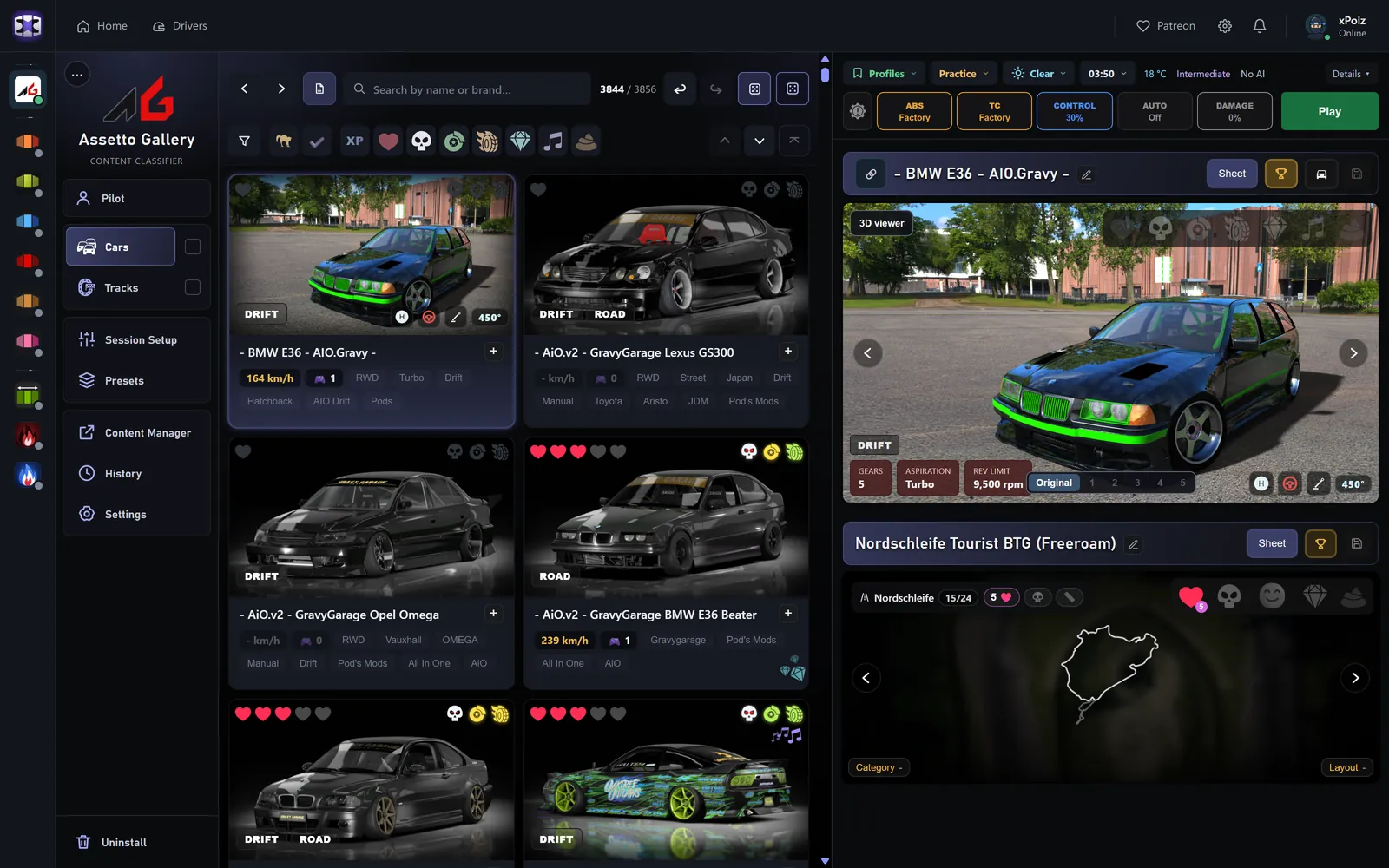
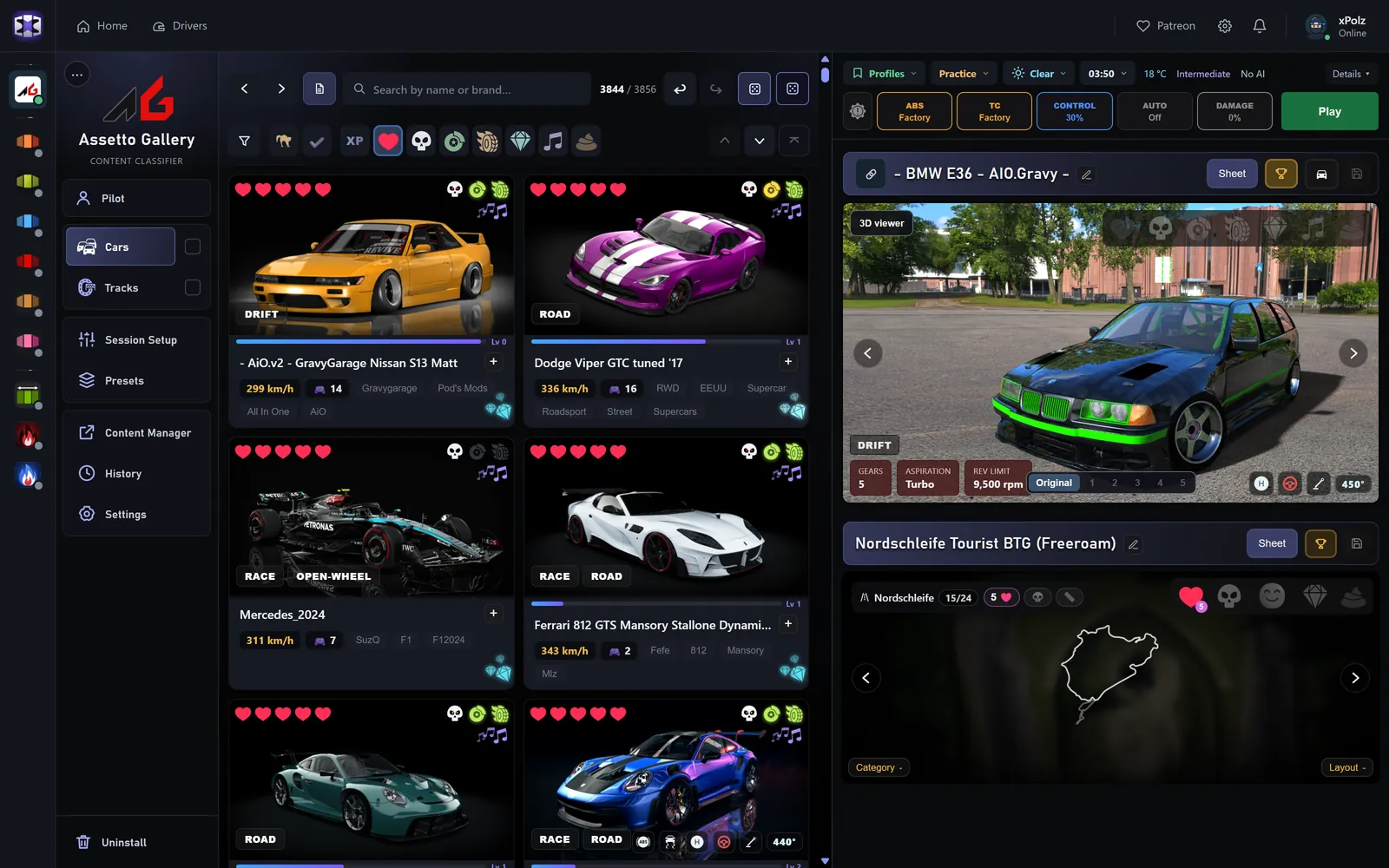
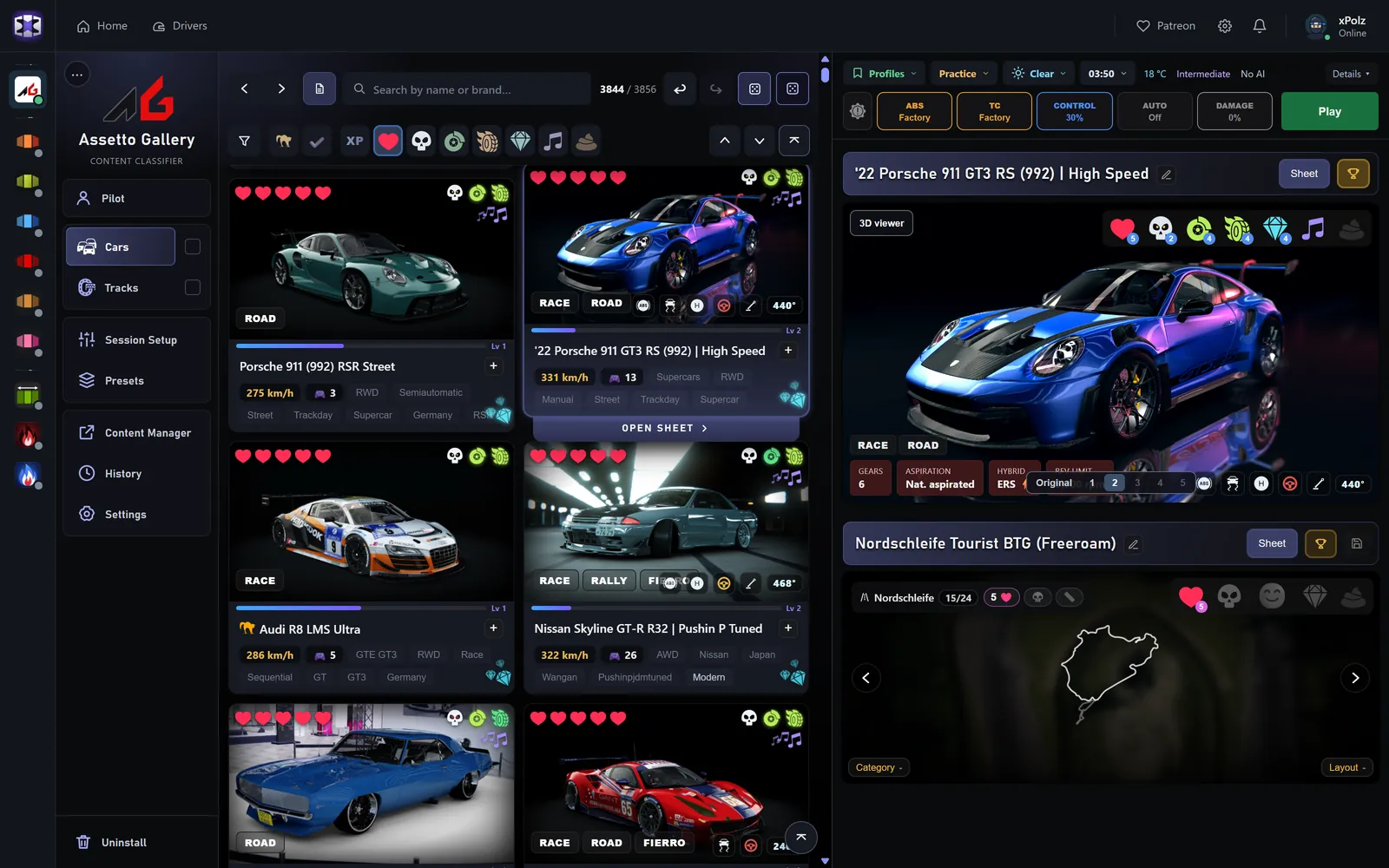
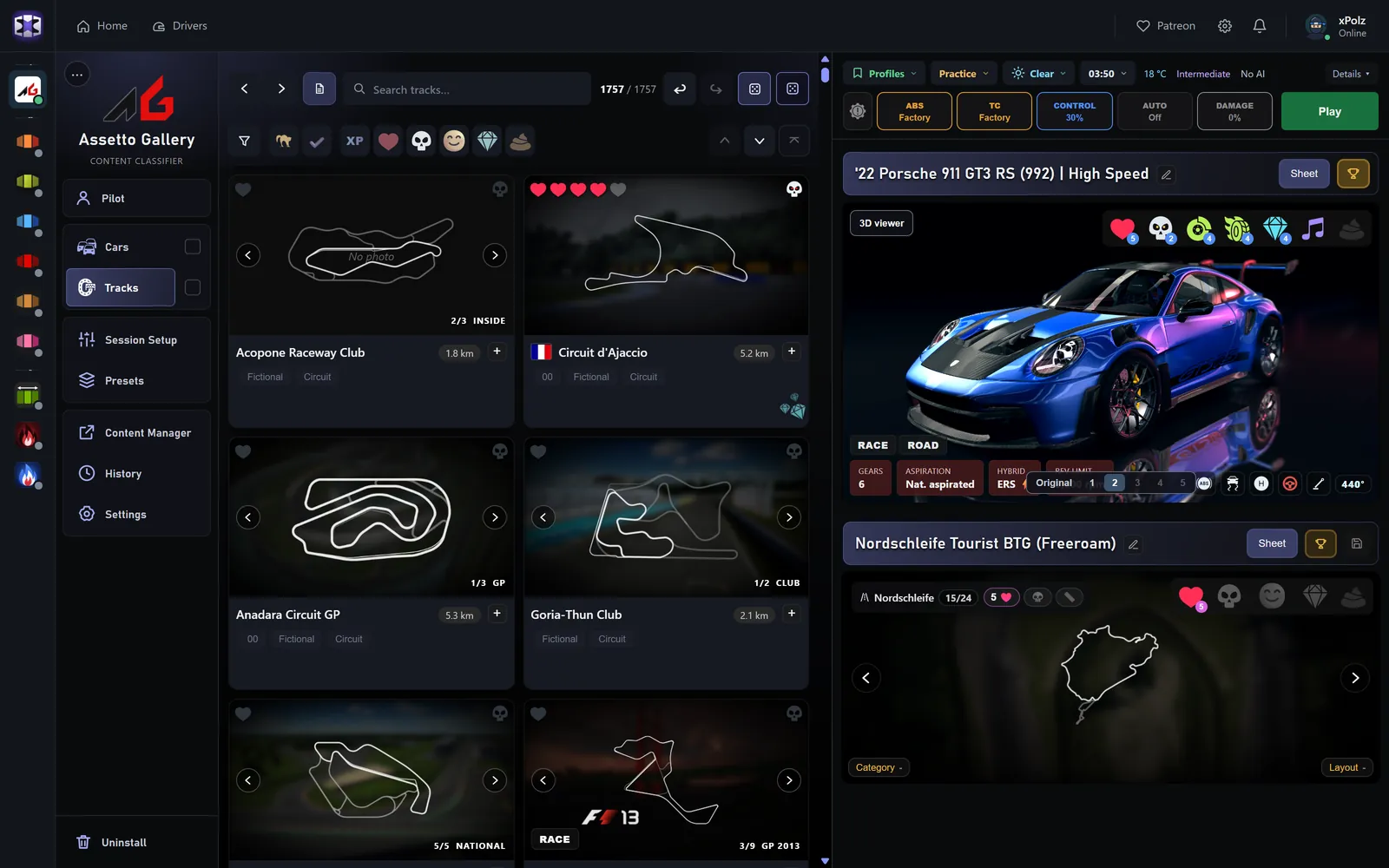
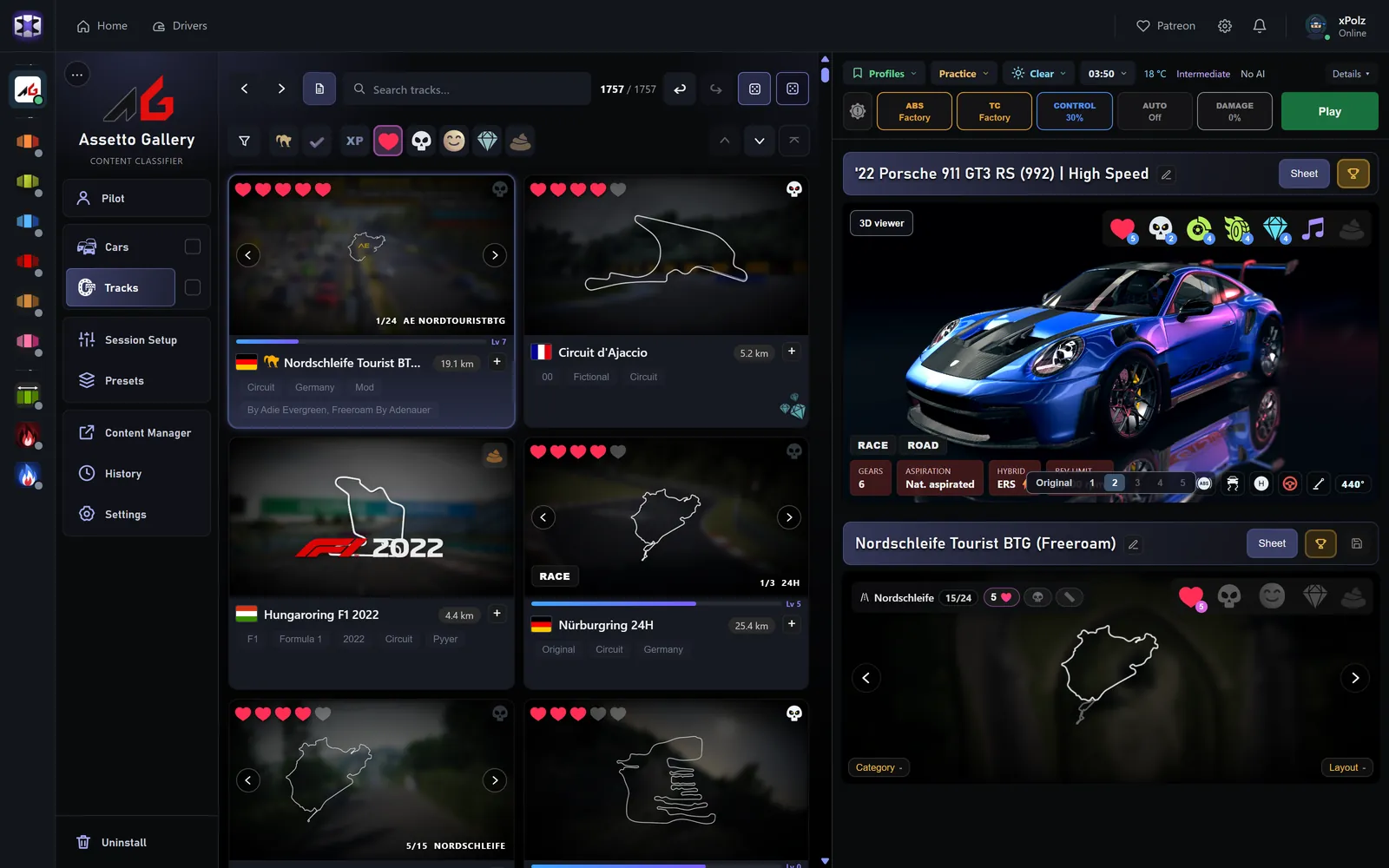
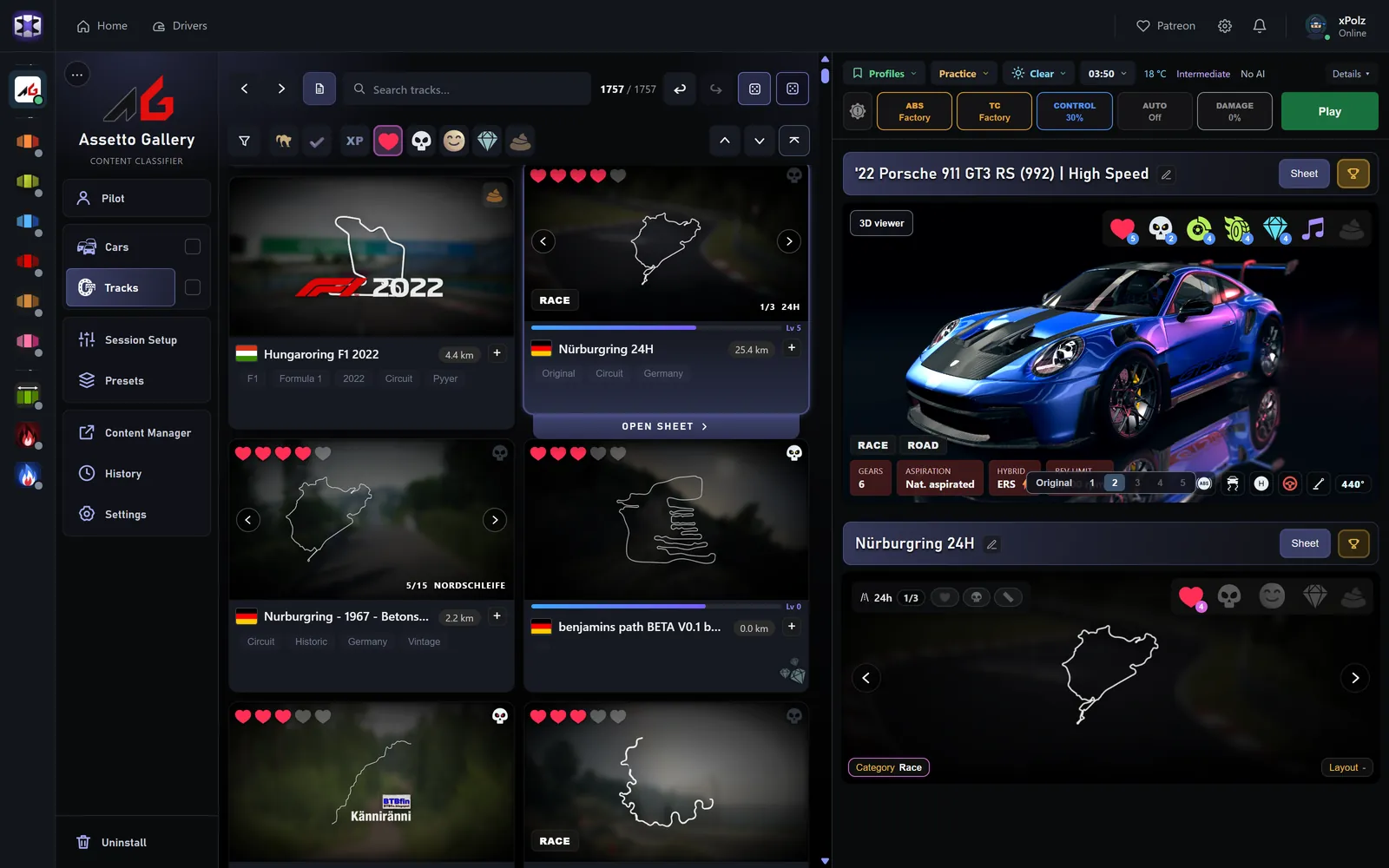
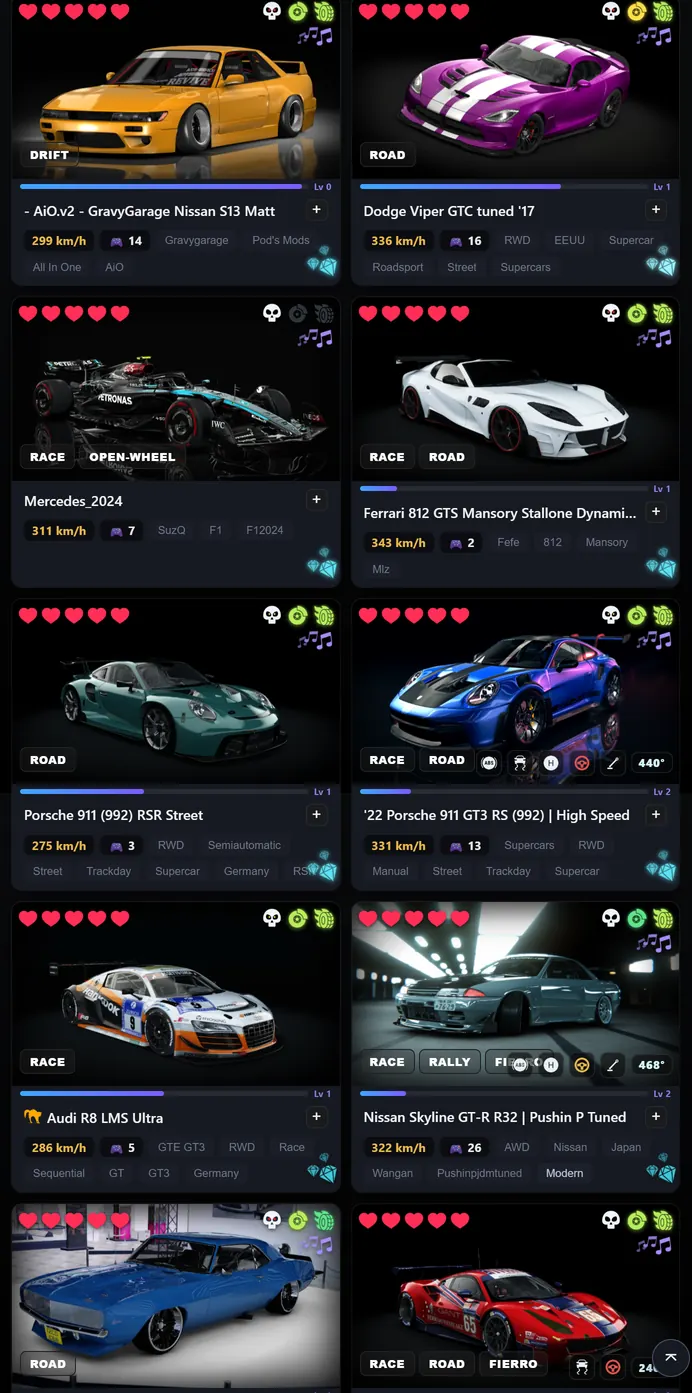
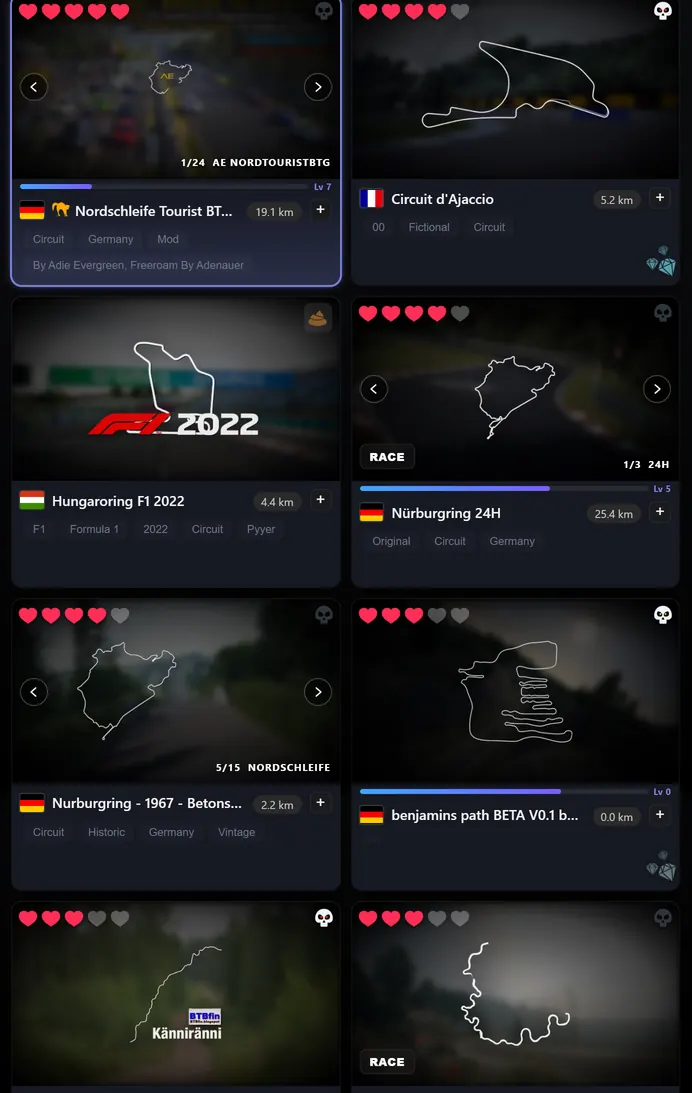
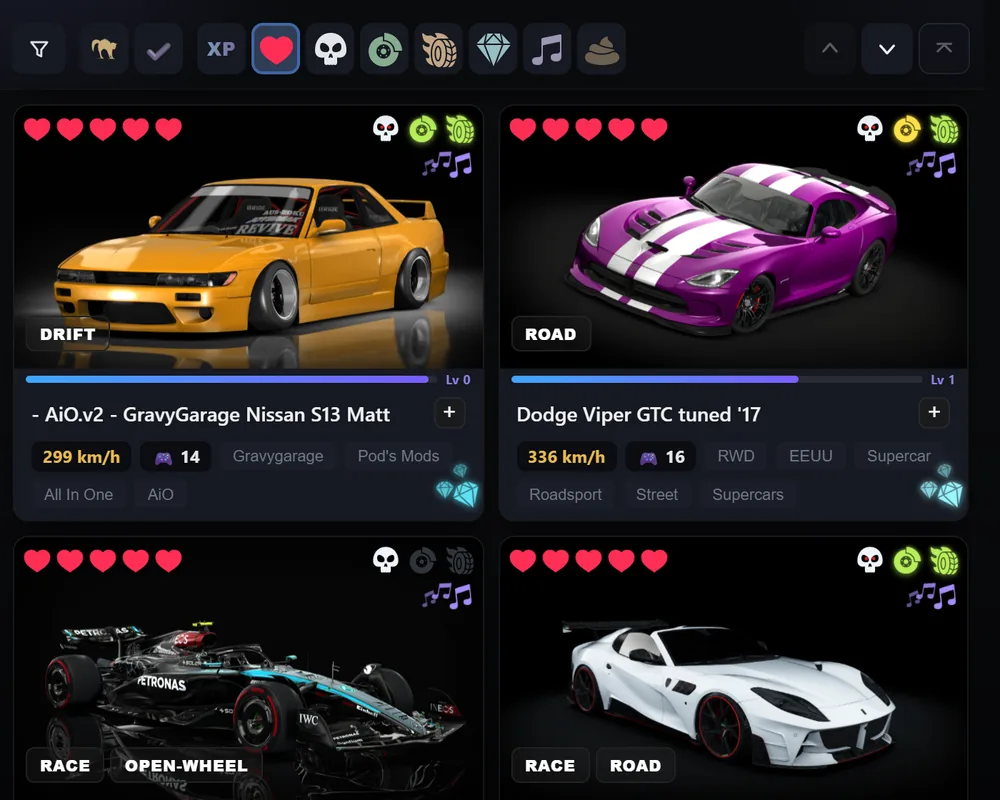
Love, difficulty, brakes, sense of speed and beauty, on every car and every track. Sort by one or by several at once, show only official content or what you already rated, or pick one at random.
 Assetto GalleryFree
Rate every car and track, find the one you feel like driving, set up the session and play. Your laps and records stay with you.
Free · Windows 10 and 11 ·
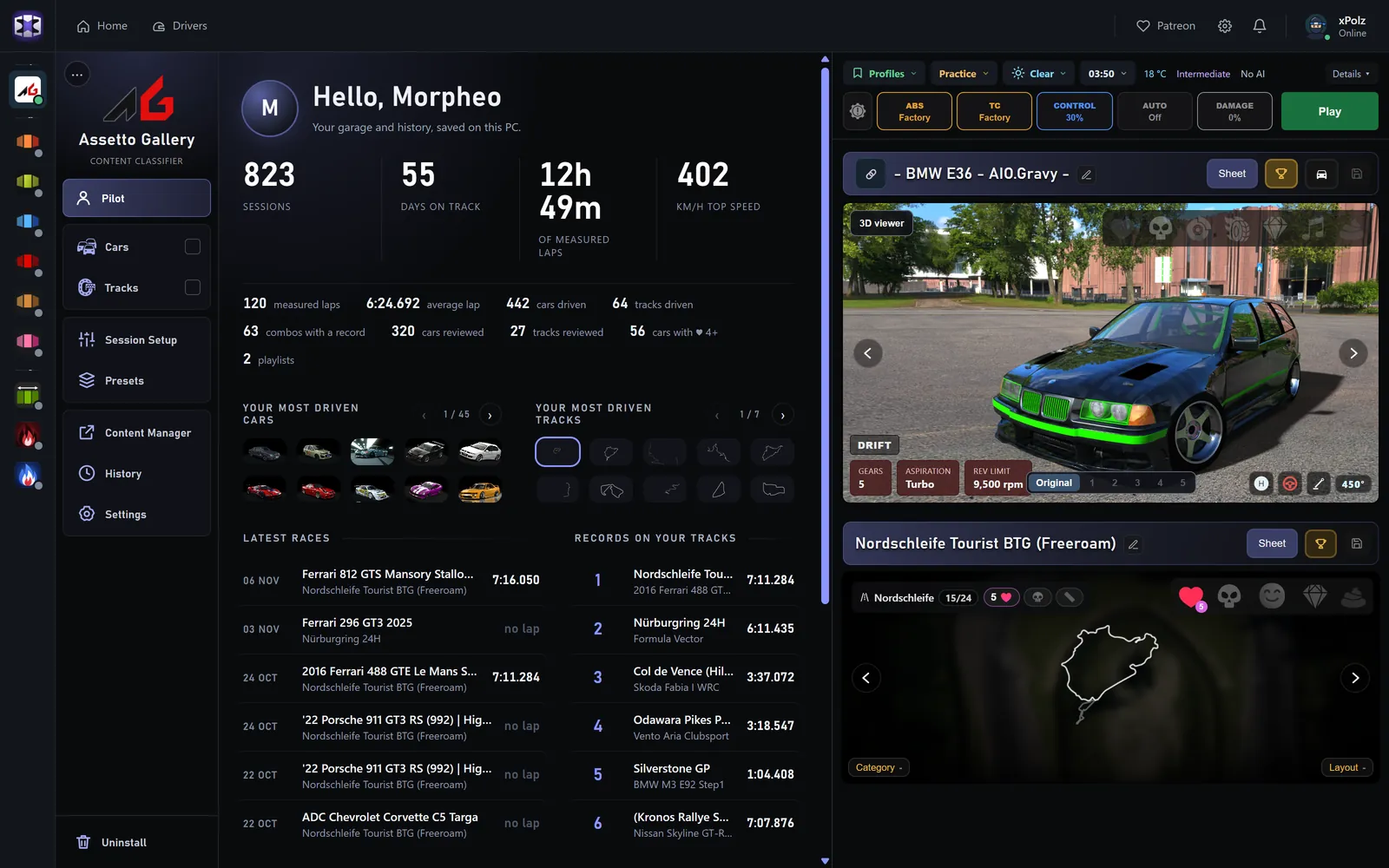
From Content Manager to Assetto Gallery: what changes, how a session is set up and how it works inside.
Assetto Gallery reads your library, builds the session and hands it to Content Manager. Your laps come straight back from the game.
Assetto Gallery does not replace Content Manager: it sits on top of it.
Everything you see here are real screens of the app, with my library.
Love, difficulty, brakes, sense of speed and beauty, on every car and every track. Sort by one or by several at once, show only official content or what you already rated, or pick one at random.
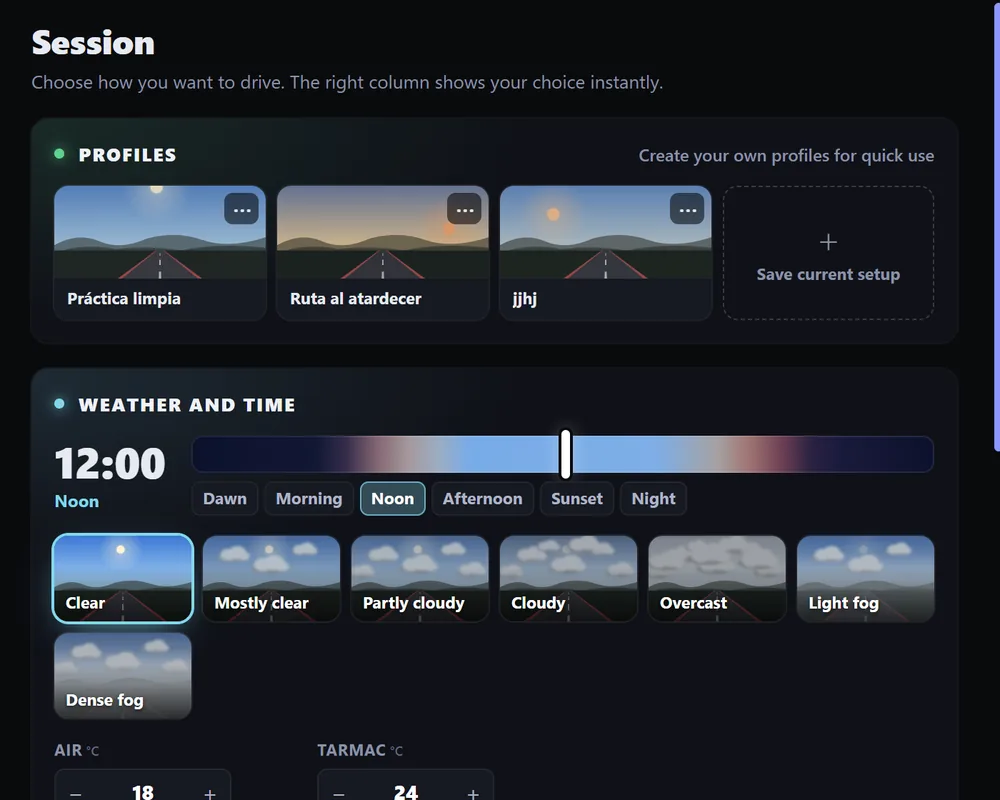
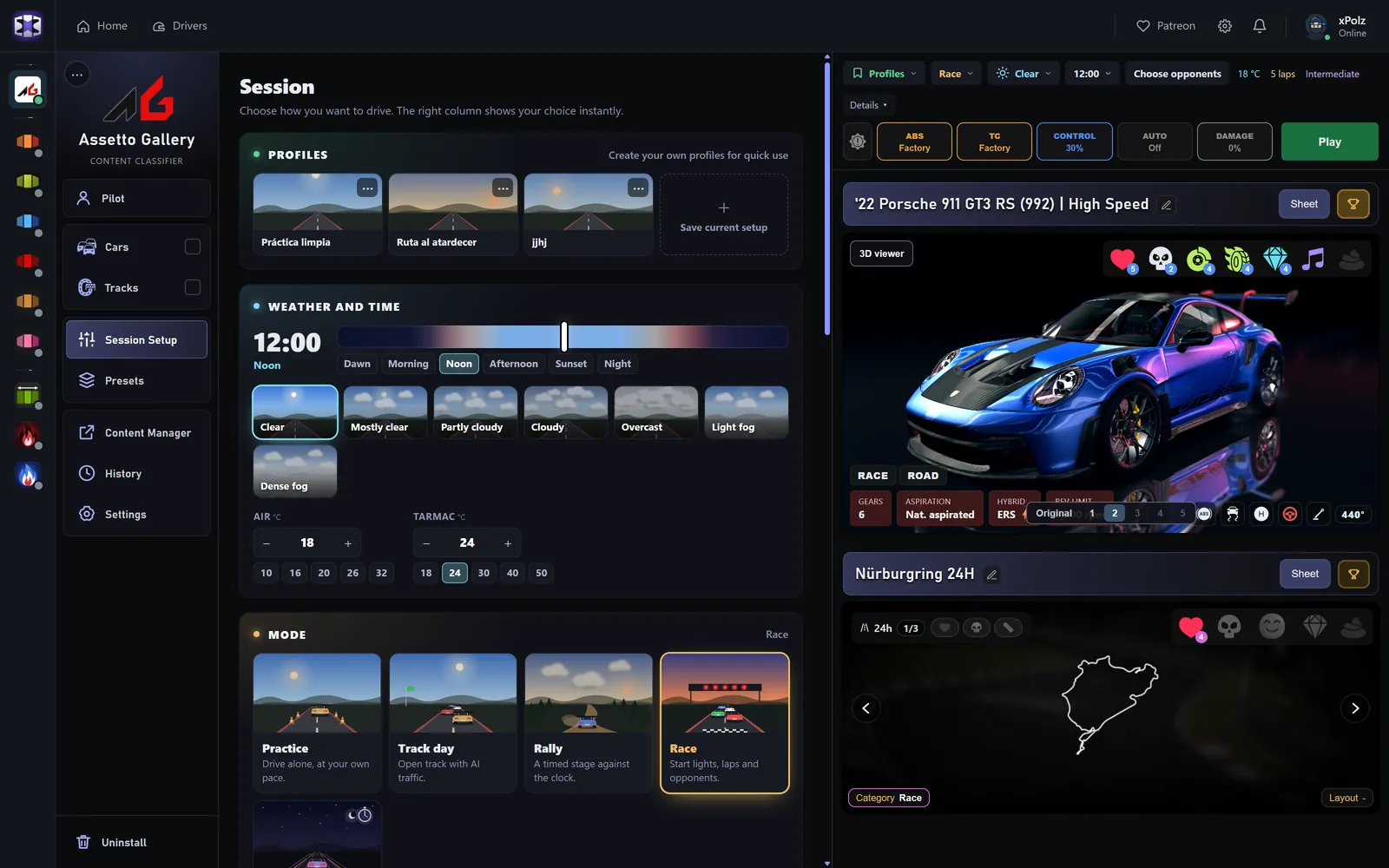
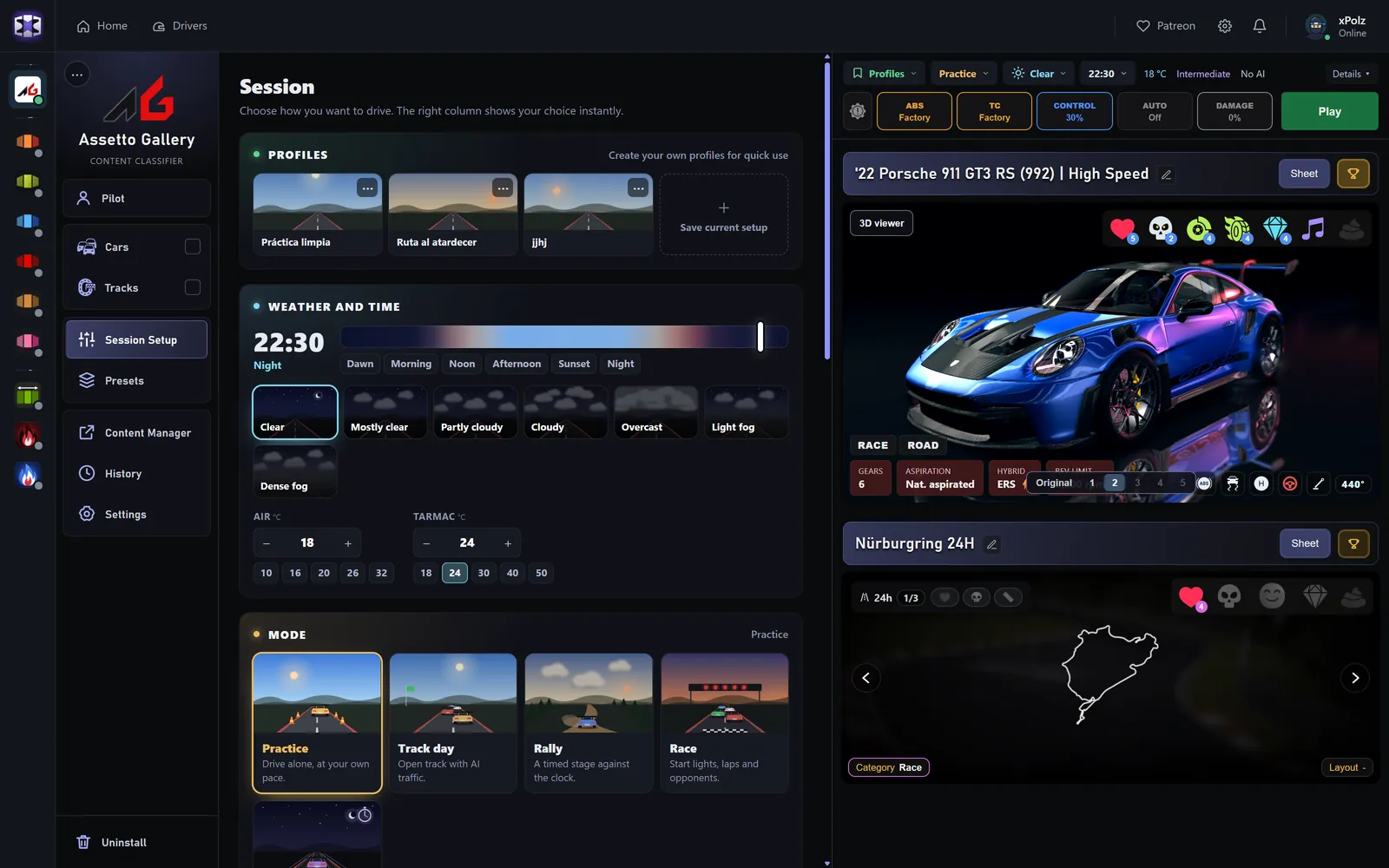
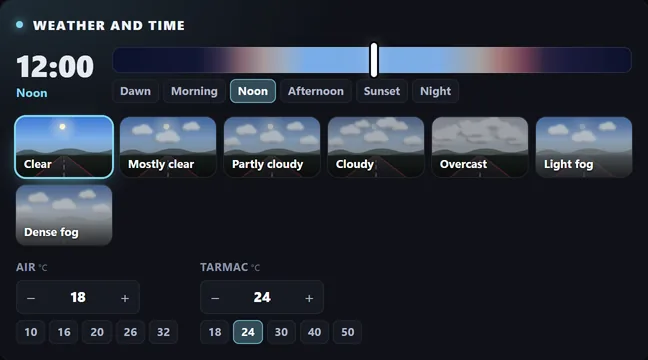
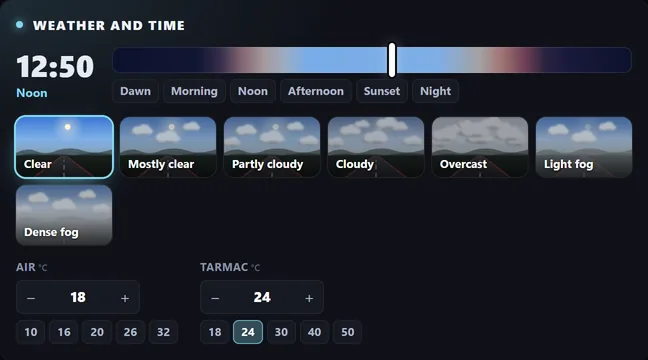
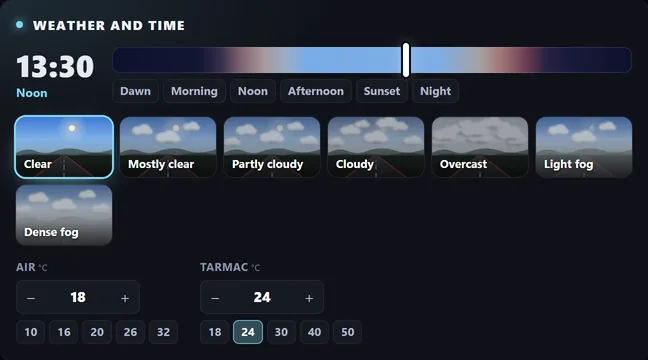
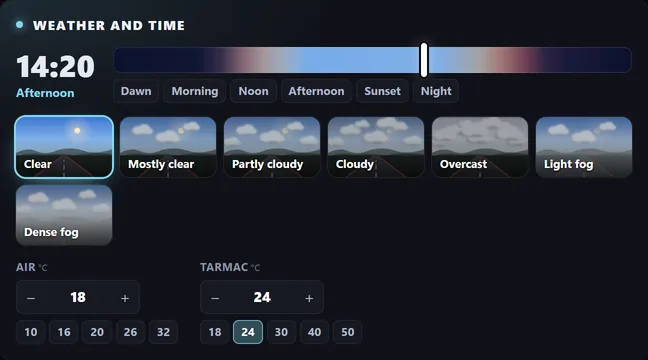
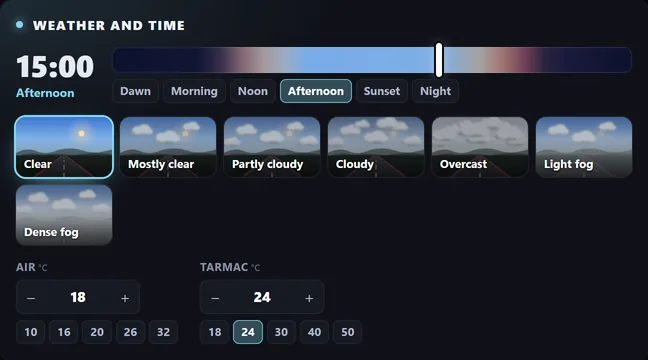
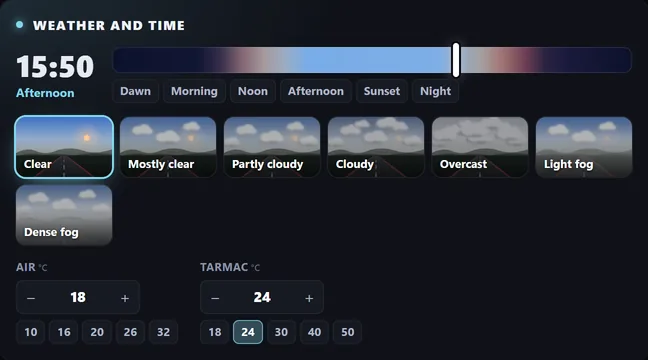
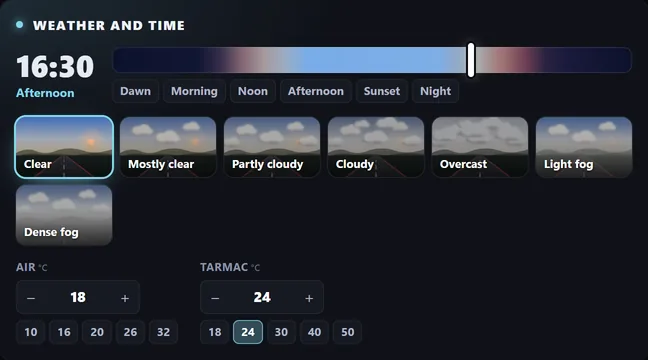
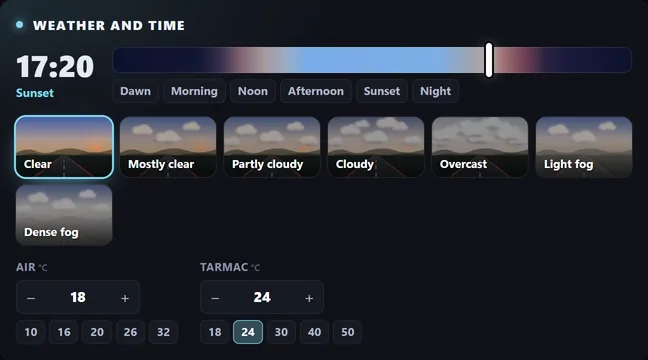
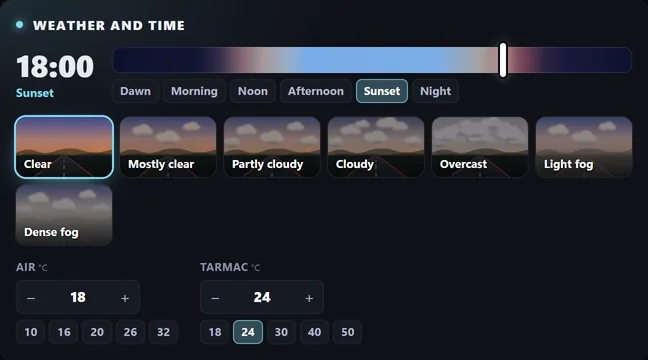
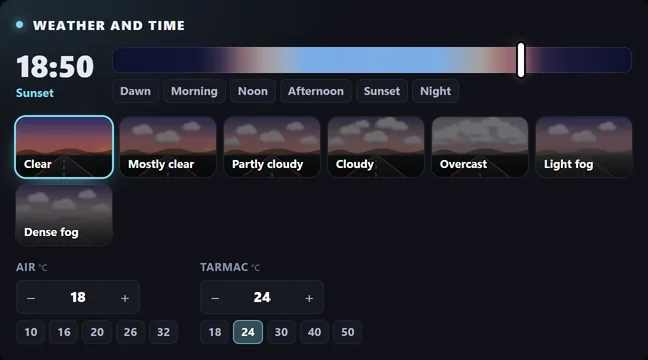
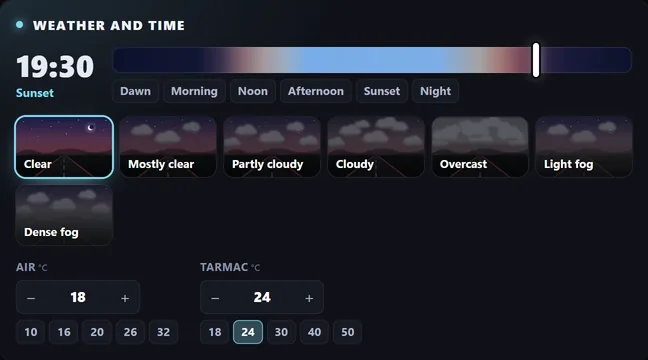
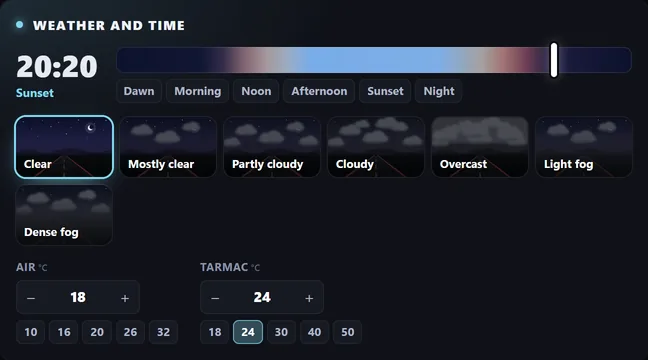
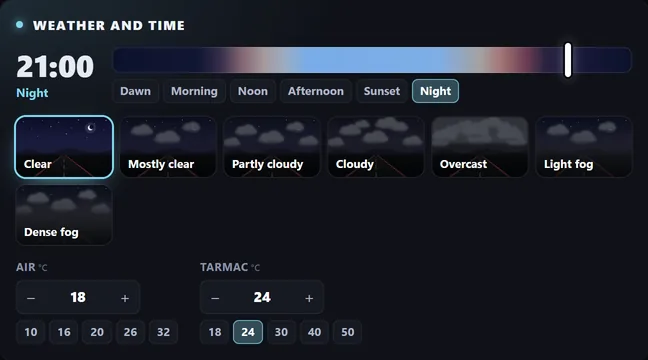
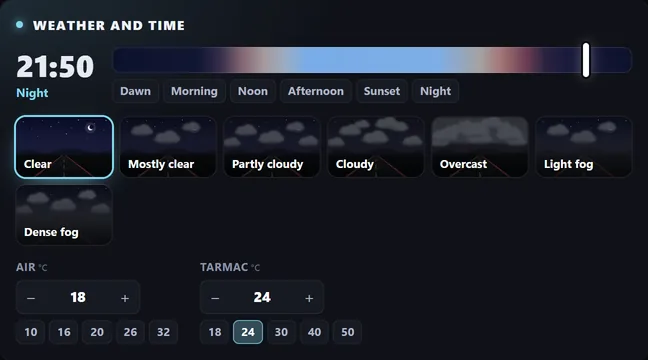
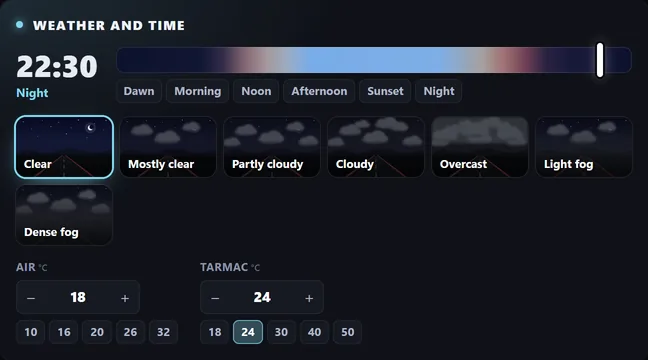
Profiles, weather and time of day, air and track temperature, the mode (practice, track day, rally, race or hotlap) and the assists. Save what you have now as a profile and use it with one click.
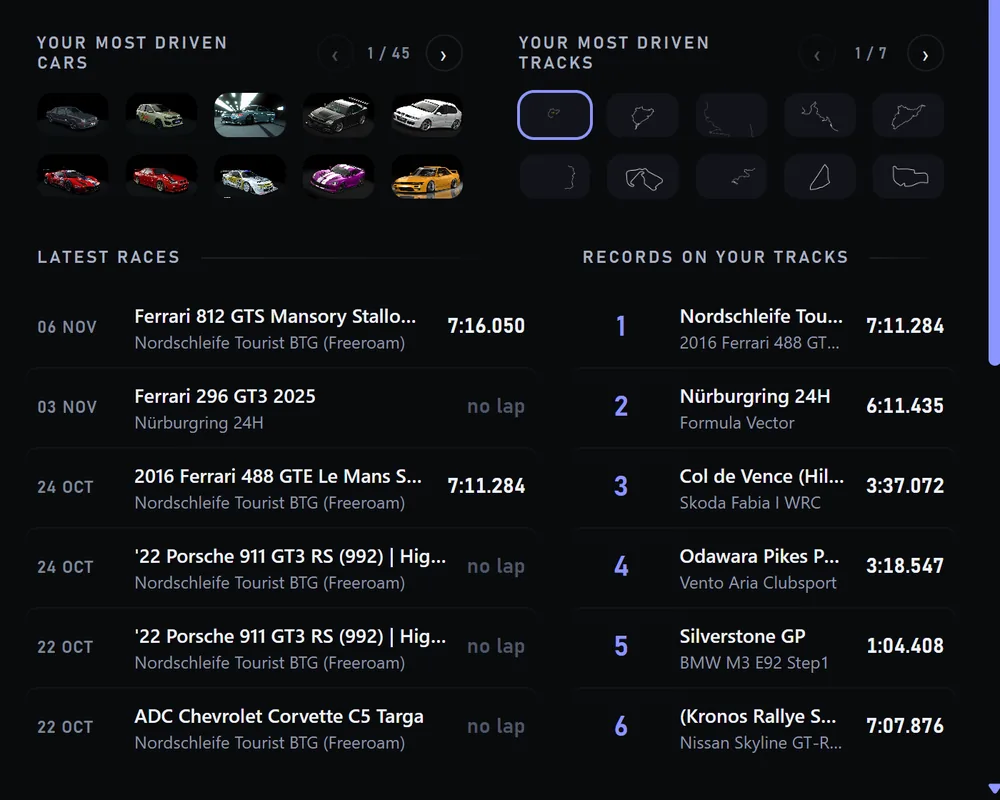
Every race is saved with its times. You see your most driven cars and tracks, your latest races and your best lap on each track.
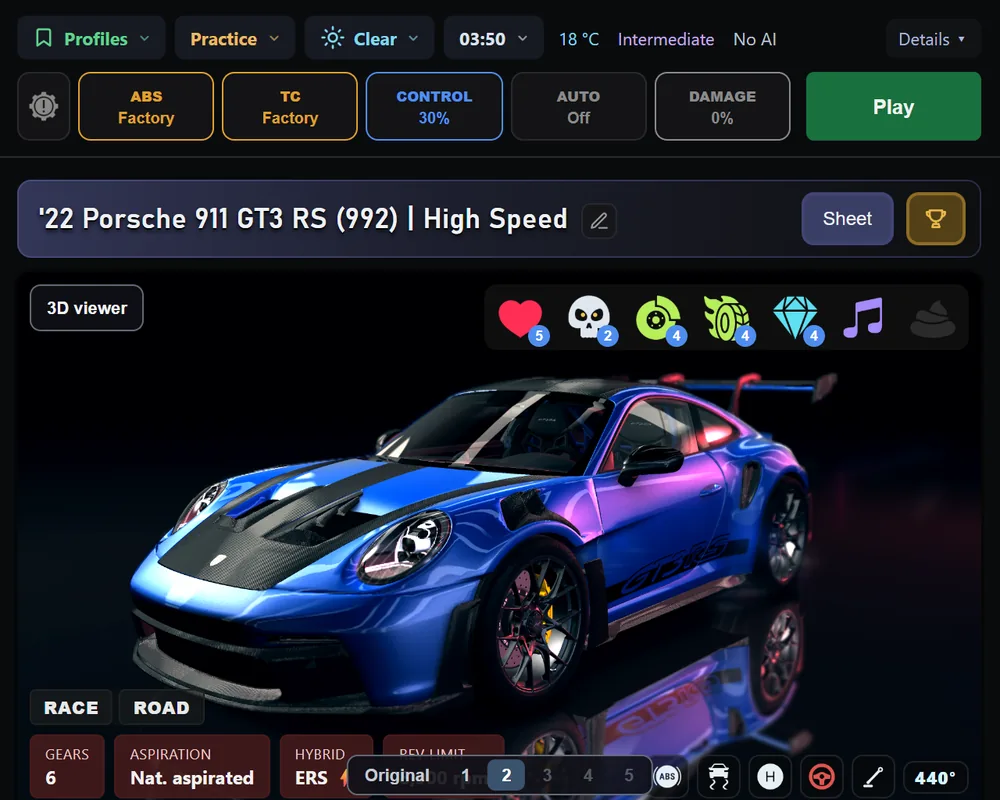
The right column shows the car and track you picked, with their photos, their sheet and the 3D viewer, right next to Play.
Install it from the launcher · Free · Windows 10 and 11 ·
Nothing. Assetto Gallery is free, and so is the launcher.
No. Assetto Gallery sets up the session and Content Manager starts the game, so you need it installed. You keep using it for everything else.
On your PC.
Yes: I use it with more than 3,800 cars and 1,700 tracks.